开发环境
Windows
更改 PowerShell 默认编码
WindowsPowerShell:
C:\Users\OoO\Documents\WindowsPowerShell
PowerShell:
C:\Users\OoO\Documents\PowerShell
其中 OoO 为用户名,更加明了的目录 C:\Users\OoO\文档\,找到上述目录,如果目录下没有 Microsoft.PowerShell_profile.ps1 文件,则创建,添加如下配置:
$OutputEncoding = [console]::InputEncoding = [console]::OutputEncoding = New-Object System.Text.UTF8Encoding关闭所有 Shell 重新打开,验证:
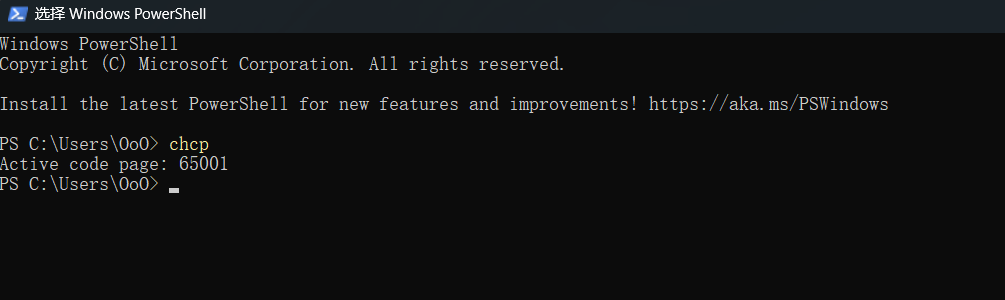
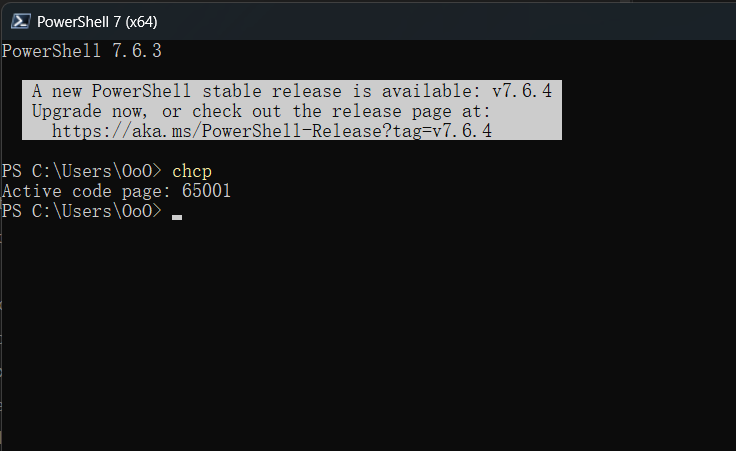
最初为 936
shell
chcp 936  #gbk
chcp 65001 #utf-8